Free: all 28 Spongebob PFPs in one ZIP
PFPGeeks Free AI guide

Yellow Spongebob PFP

8 free yellow Spongebob PFPs for Discord, Instagram, TikTok and X, ranked by the community and last updated October 2026. Download any of them in full resolution, no sign-up needed.

Download all 28 Spongebob PFPs (ZIP)
Spongebob PFP #1: A close-up of SpongeBob's huge eyes and worried face with a single sweat drop, painted on yellow sponge.

0

0

Spongebob PFP #13: SpongeBob in his classic flat cartoon style looks ahead with blue eyes and a small smile on a white background.

0

0

Spongebob PFP #15: A realistic, porous SpongeBob with blue eyes, rosy cheeks and a small smirk is lit against a dark background.

0

0

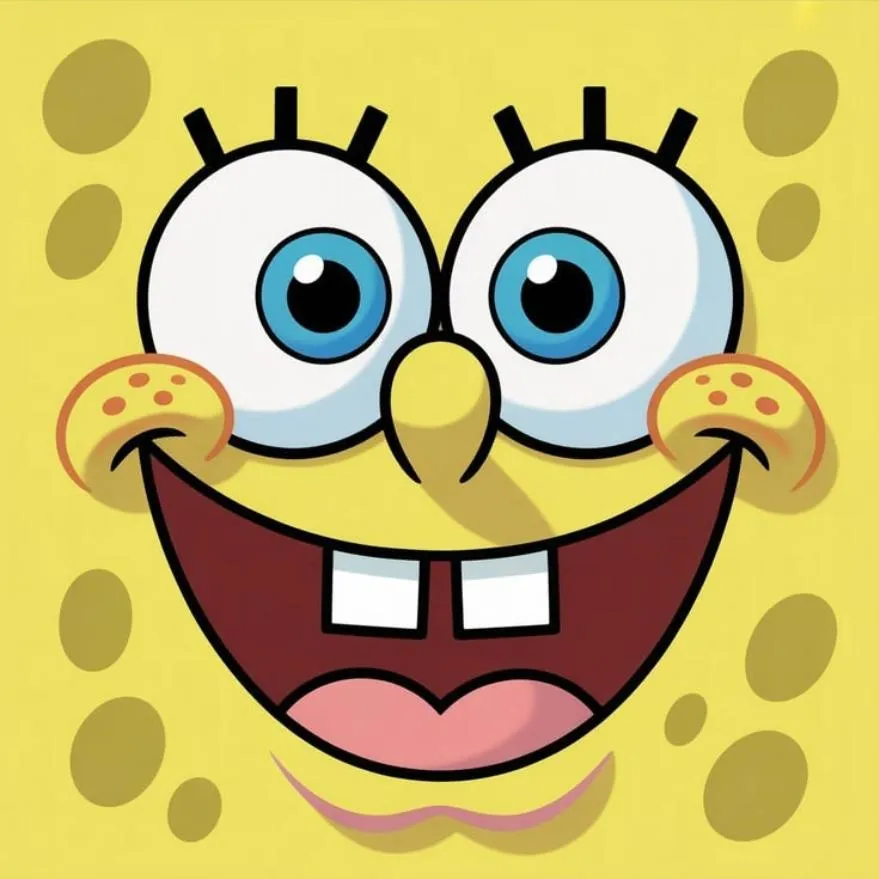
Spongebob PFP #26: A full close-up of SpongeBob's face with big blue eyes, freckles and a wide buck-toothed smile.

0

0

Spongebob PFP #3: A close-up of SpongeBob with big green eyes, freckles and a cheeky sideways grin on a yellow sponge face.

0

0

Spongebob PFP #6: SpongeBob grins with buck teeth and pink cheeks, wearing his orange bow tie against a cream background.

0

0

Spongebob PFP #8: A fuzzy yellow SpongeBob with brown eyes and a flat mouth gives an unimpressed stare in dim light.

0

0

Spongebob PFP #9: A close-up of a frowning SpongeBob face with wide blue eyes and orange spots on a pale yellow sponge.

0

0

§ Free pack

Get all 28 Spongebob PFPs in one ZIP

Plus the AI PFP Cheat Sheet. Instant download, no account.

By signing up you confirm you're 13 or older and agree we may email you about new PFPs and free tools. Unsubscribe any time. Privacy

Yellow Spongebob PFP: FAQ

How many yellow Spongebob PFPs are on PFPGeeks?

There are 8 yellow Spongebob profile pictures, ordered by upvotes. Switch to "New" at the top to see the latest uploads first.

Are these yellow Spongebob PFPs free?

Yes. Every yellow Spongebob PFP here is free to download and use as your profile picture, with no account or watermark. See our terms.

How do I use a yellow Spongebob PFP on Discord, Instagram or TikTok?

Tap Download under the picture you like, then upload it as your avatar: on Discord in User Settings → Profiles, on Instagram via Edit profile → Edit picture, and on TikTok via Edit profile → Change photo.

What size are the yellow Spongebob PFPs?

Most are around 512×512 pixels (the largest is 879×879), so they stay sharp inside the round avatar crop on every major app.